Console-driven AWS infrastructure creates operational debt that compounds quickly. When you need to reproduce a production environment, onboard a second engineer, or recover from an account incident, clicking through the console from memory is not a plan. Terraform is the structural fix.
Console-driven AWS infrastructure creates operational debt that compounds quickly. When you need to reproduce a production environment, onboard a second engineer, or recover from an account incident, clicking through the console from memory is not a plan. Terraform is the structural fix, and this is how to structure it for a Go SaaS backend running on ECS with RDS PostgreSQL.
Why clicking through the AWS console creates operational debt
Console-driven infrastructure leaves no audit trail of decisions. A security group rule gets added to allow temporary debugging access and never removed. An RDS parameter group gets tweaked to fix a performance problem and nobody records why. A new ECS service gets added with slightly different naming conventions than everything else.
After six months of console-driven AWS, even small teams in Lebanon consistently describe the same problem: nobody knows for certain what is actually running, what it costs, or whether it is correctly configured. When you need to reproduce the environment for a new client or recover from an account compromise, you are starting from memory.
Terraform solves this by making infrastructure state explicit, version-controlled, and reproducible.
Project structure for a Go SaaS on ECS
A clean Terraform setup for a Go SaaS backend on ECS organizes modules around infrastructure boundaries:
infra/
  modules/
    networking/      # VPC, subnets, security groups
    ecs/             # ECS cluster, task definitions, services
    rds/             # RDS PostgreSQL instance, parameter group
    ecr/             # Container registries per service
    iam/             # Task execution roles, service policies
    alb/             # Application load balancer, target groups
  environments/
    staging/
      main.tf
      variables.tf
      terraform.tfvars
    production/
      main.tf
      variables.tf
      terraform.tfvars
``` See also: [Service-to-Service Authentication in Go Microservices](/blog/service-to-service-auth-go/) for the topic-specific playbook. See also: [Load Testing Go APIs with k6 Before Production Cutover](/blog/load-testing-go-backend-k6/) for the topic-specific playbook.

Each environment directory calls the same modules with different variable values. Staging might run a `db.t3.small` with a single-AZ RDS instance. Production runs `db.t3.medium` with Multi-AZ enabled. The infrastructure logic is identical. Only the configuration differs.

## Defining the ECS task for a Go service

A Go backend service running on ECS Fargate needs a task definition that declares CPU, memory, the container image, environment variables, and log routing. Terraform makes this fully repeatable:

```hcl
resource "aws_ecs_task_definition" "api" {
  family                   = "${var.environment}-api"
  requires_compatibilities = ["FARGATE"]
  network_mode             = "awsvpc"
  cpu                      = var.task_cpu
  memory                   = var.task_memory
  execution_role_arn       = aws_iam_role.ecs_execution.arn
  task_role_arn            = aws_iam_role.ecs_task.arn

  container_definitions = jsonencode([{
    name  = "api"
    image = "${aws_ecr_repository.api.repository_url}:${var.image_tag}"
    portMappings = [{
      containerPort = 8080
      protocol      = "tcp"
    }]
    environment = [
      { name = "ENV",     value = var.environment },
      { name = "DB_HOST", value = aws_db_instance.main.address },
      { name = "DB_PORT", value = "5432" },
    ]
    secrets = [
      { name = "DB_PASSWORD", valueFrom = aws_ssm_parameter.db_password.arn },
      { name = "JWT_SECRET",  valueFrom = aws_ssm_parameter.jwt_secret.arn },
    ]
    logConfiguration = {
      logDriver = "awslogs"
      options = {
        awslogs-group         = "/ecs/${var.environment}/api"
        awslogs-region        = var.aws_region
        awslogs-stream-prefix = "api"
      }
    }
  }])
}
The secrets block pulls sensitive values from AWS SSM Parameter Store at container start time. The task execution role needs ssm:GetParameters permission for those specific ARNs. The Go application reads them as regular environment variables. No secrets in Terraform state. No secrets in the container image.
Managing RDS PostgreSQL through Terraform
The PostgreSQL instance for a multi-tenant Go SaaS has a few non-default settings worth encoding:
resource "aws_db_instance" "main" {
  identifier        = "${var.environment}-main"
  engine            = "postgres"
  engine_version    = "16.2"
  instance_class    = var.db_instance_class
  allocated_storage = var.db_storage_gb
  storage_encrypted = true

  db_name  = "saas_db"
  username = "saas_admin"
  password = random_password.db_password.result

  parameter_group_name   = aws_db_parameter_group.main.name
  vpc_security_group_ids = [aws_security_group.rds.id]
  db_subnet_group_name   = aws_db_subnet_group.main.name

  backup_retention_period = var.environment == "production" ? 7 : 1
  deletion_protection     = var.environment == "production"
  multi_az                = var.environment == "production"

  performance_insights_enabled = true
}

resource "aws_db_parameter_group" "main" {
  family = "postgres16"

  parameter {
    name  = "shared_preload_libraries"
    value = "pg_stat_statements"
  }
  parameter {
    name  = "log_min_duration_statement"
    value = "1000"
  }
  parameter {
    name  = "max_connections"
    value = "200"
  }
}
log_min_duration_statement set to 1000ms logs any query taking over one second. This is query-level observability at no extra cost. Combined with pg_stat_statements, you have a permanent audit of slow queries from day one without any external tooling.
Remote state and team collaboration
Terraform stores state locally by default. On a team, that breaks immediately when two engineers run terraform apply at the same time. The fix is an S3 backend with DynamoDB for state locking:
terraform {
  backend "s3" {
    bucket         = "your-company-terraform-state"
    key            = "production/terraform.tfstate"
    region         = "eu-west-1"
    encrypt        = true
    dynamodb_table = "terraform-state-lock"
  }
}
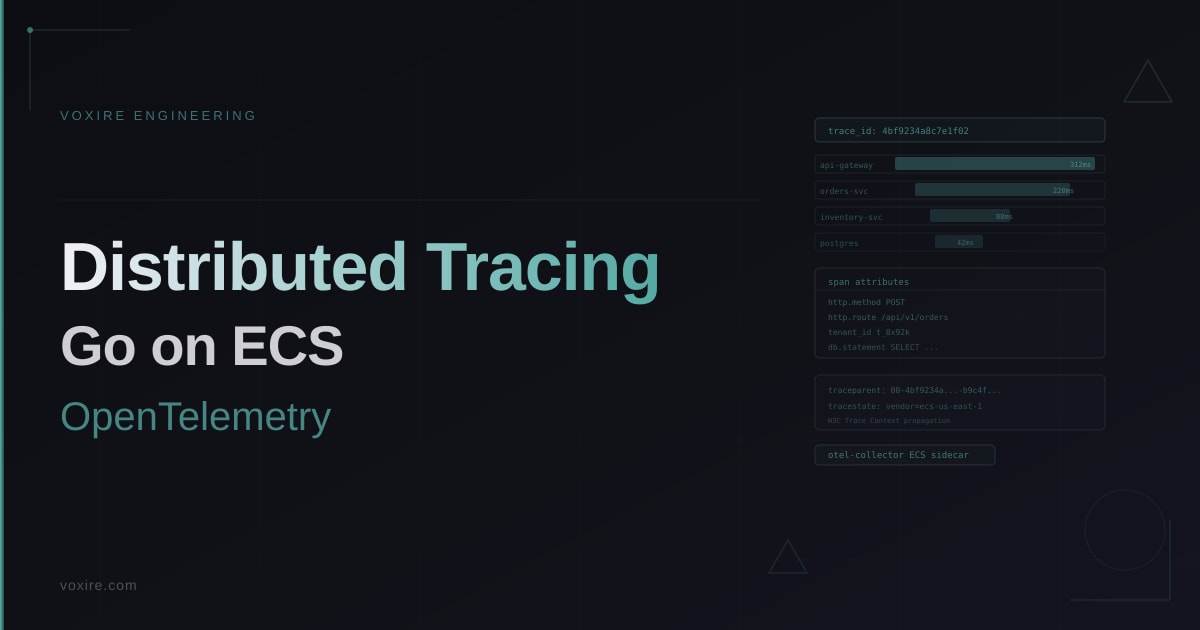
The S3 bucket stores the state file encrypted. The DynamoDB table provides a distributed lock so only one operation modifies state at a time. Every SaaS team managing AWS infrastructure in MENA should have this in place before giving a second engineer AWS access. See also: Distributed Tracing in Production Go Services on AWS ECS for the topic-specific playbook.
Separating Terraform state from image deployments
A common mistake is running terraform apply on every code deploy to update the task definition image tag. This is slow and causes unnecessary state churn. The correct separation: Terraform manages long-lived infrastructure, and CI/CD handles image-tag-only updates via the AWS CLI:
# In GitHub Actions, after building and pushing to ECR:
aws ecs update-service \
  --cluster production-cluster \
  --service api \
  --force-new-deployment
``` See also: [Blue-Green Deployment on AWS ECS for Zero-Downtime Go Service](/blog/blue-green-deployment-ecs-go-production/) for the topic-specific playbook.

Terraform controls what infrastructure exists. CI/CD controls which version of the application runs on that infrastructure. The Terraform state file does not need updating on every deploy, which keeps `terraform plan` output clean and reduces the chance of accidental infrastructure changes during a routine code push.

## Staging environment parity

The most common mistake is building staging as an afterthought with a different structure than production. With Terraform, keeping structural parity is straightforward: use the same modules with different variable values.

- Same ECS task definition structure, different resource sizes
- Same RDS parameter group configuration, different instance class and Multi-AZ flag
- Same IAM roles and policies
- Same security group rules
- Different DNS records (`staging.api.yourdomain.com` vs `api.yourdomain.com`)

When a SaaS team in Lebanon or MENA can truthfully say staging and production are structurally identical, debugging production incidents becomes significantly faster. The issue is in the code or data, not in some infrastructure configuration that only exists in one environment.

## Key lessons from production

Terraform pays off fastest for teams that onboard new engineers frequently or operate more than one environment. The upfront cost of writing the initial modules is two to three days. The ongoing benefit is that every future infrastructure change is reviewed as code, version-controlled, and reproducible.

Start with networking and RDS as the first Terraform modules since those are the most expensive to recreate manually. Add ECS second. Once those three modules are in place, the rest of the infrastructure follows naturally.

Remote state in S3 with DynamoDB locking is not optional on a team. Set it up before the second engineer has AWS access.
Enjoying this article?
Enter your email and get a clean, formatted PDF of this article: free, no spam.
Not sure where to start?
Voxire builds and operates Go SaaS backend infrastructure for companies in Lebanon and across the MENA region. If you want a production-ready Terraform setup for ECS and RDS without the trial and error, reach out at https://voxire.com/get-a-quote/
Voxire
SaaS Products
Building and running SaaS: Go and PostgreSQL, distributed systems, multi-tenancy, billing, observability, and the production engineering behind RTYLR. Written from shipping our own product, not from reading about it.
Learn more